

Pomodoro
Focused sprints.
Work in timed sessions with short breaks between — and a long one when you've earned it. Adjust every duration, or let a preset drive.
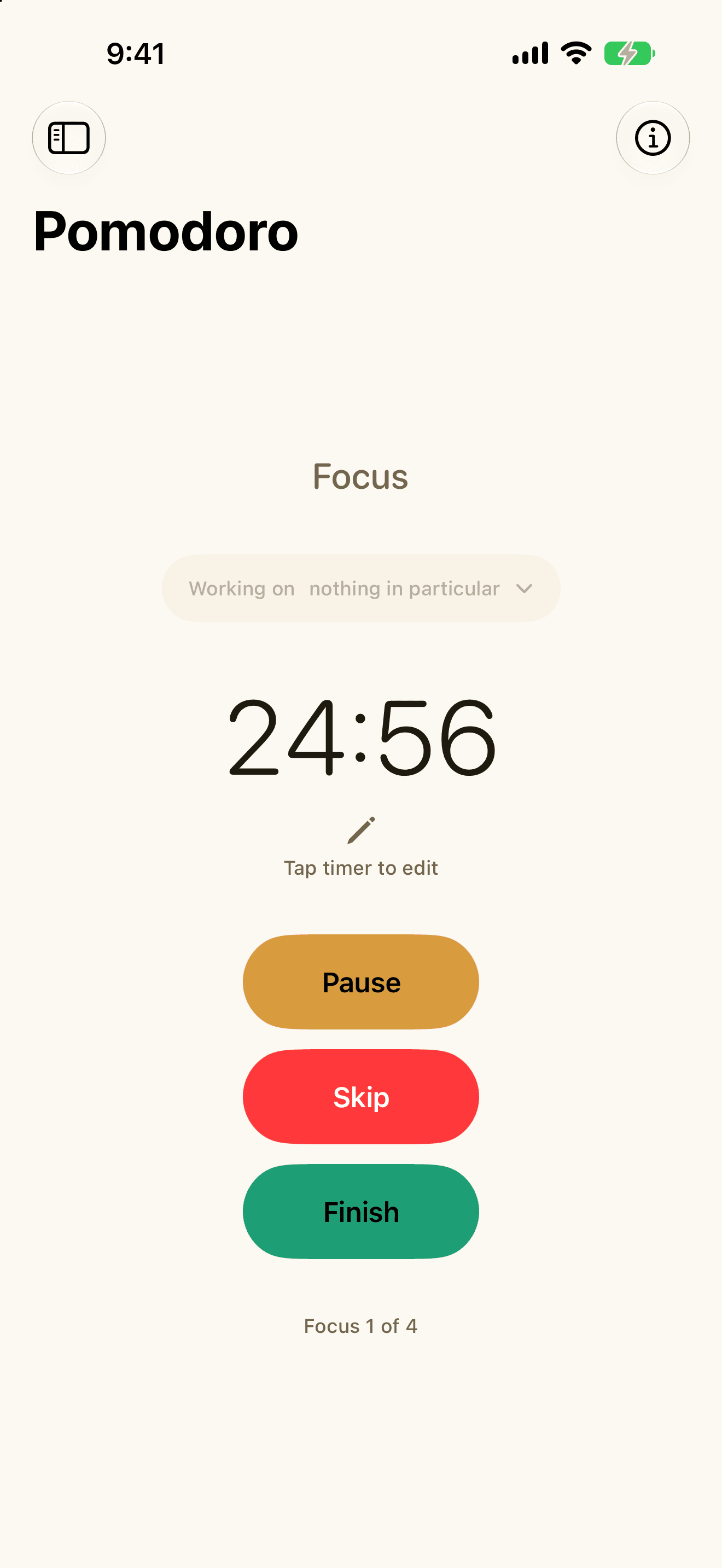
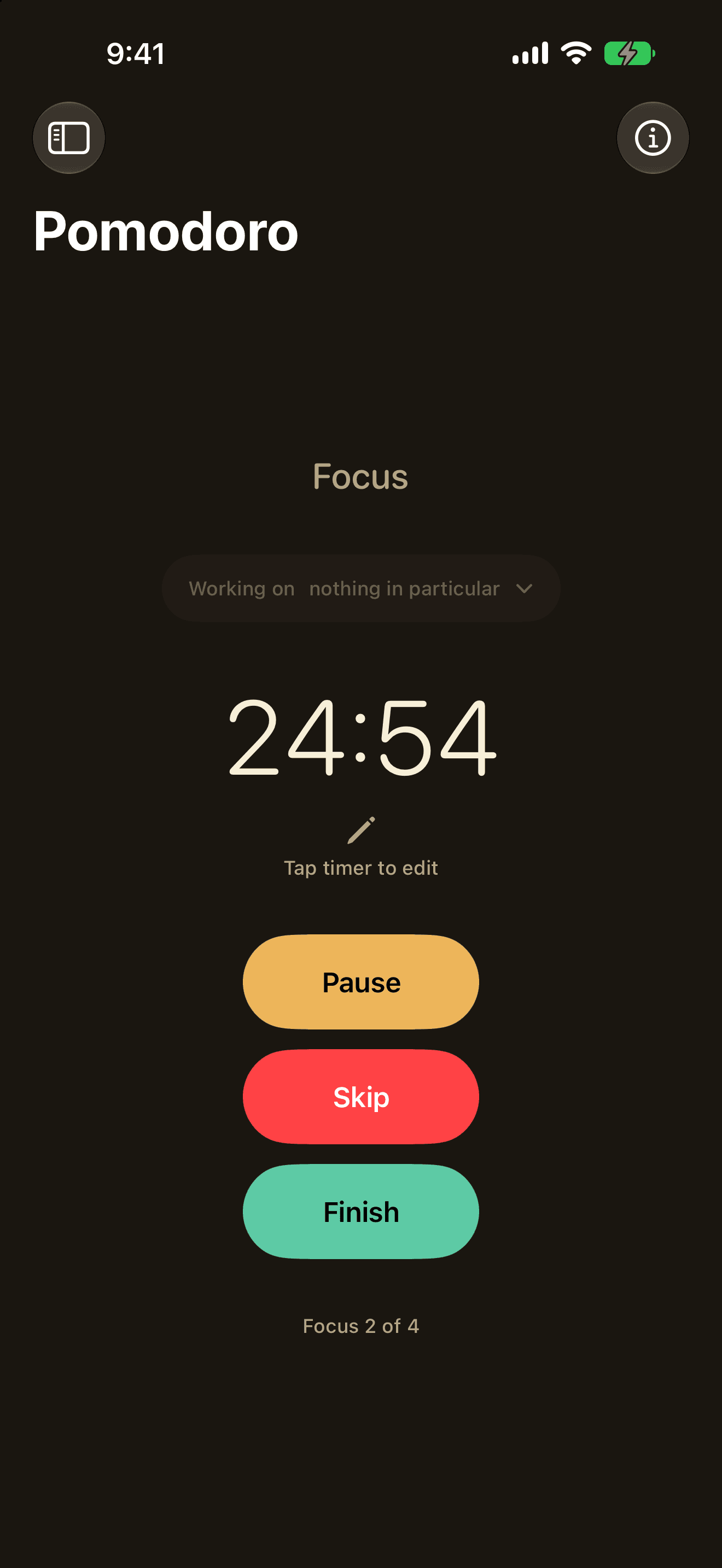

A focus timer for iPhone, iPad, Mac and Apple Watch. No account, no ads, no tracking — your sessions stay yours.
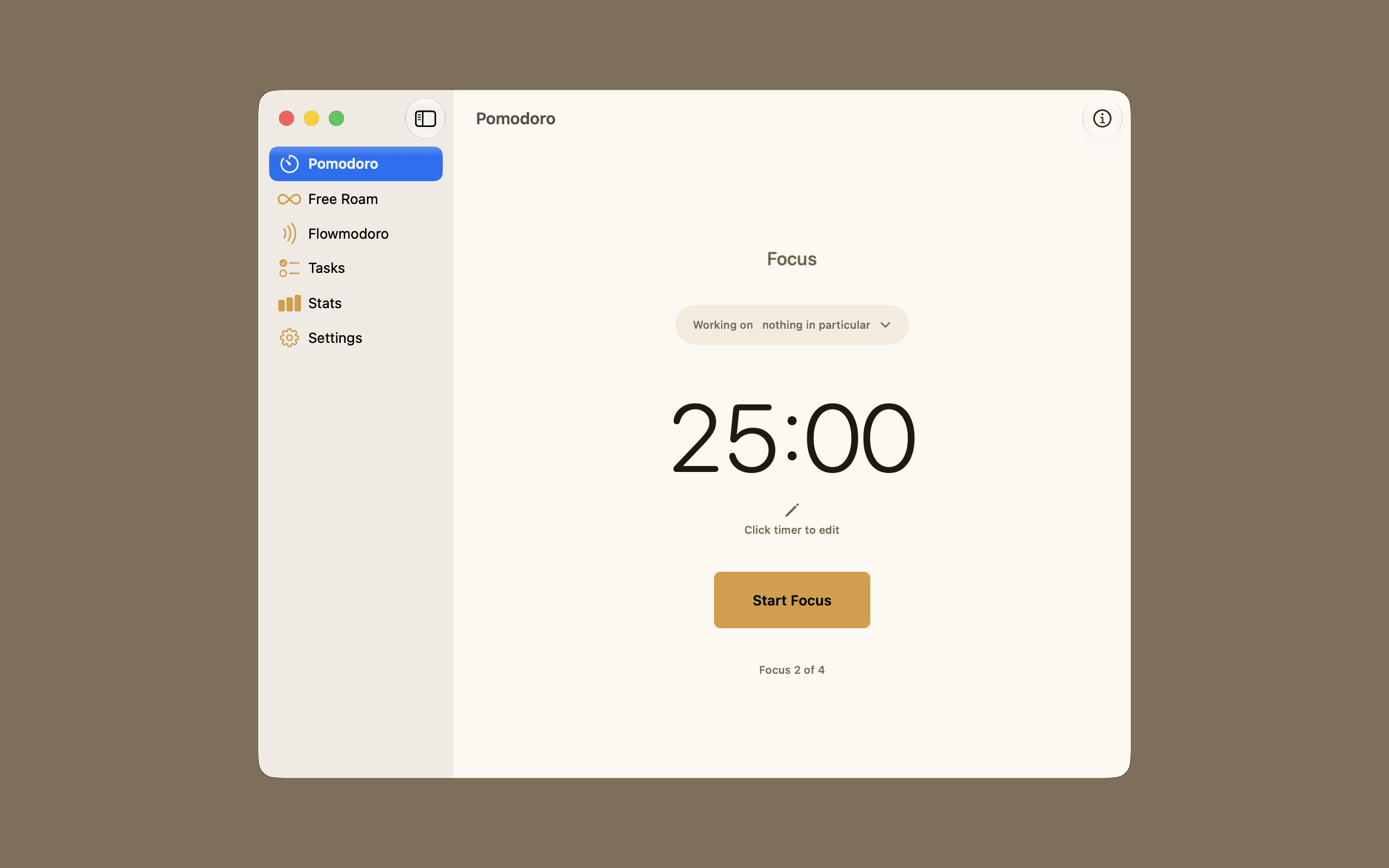
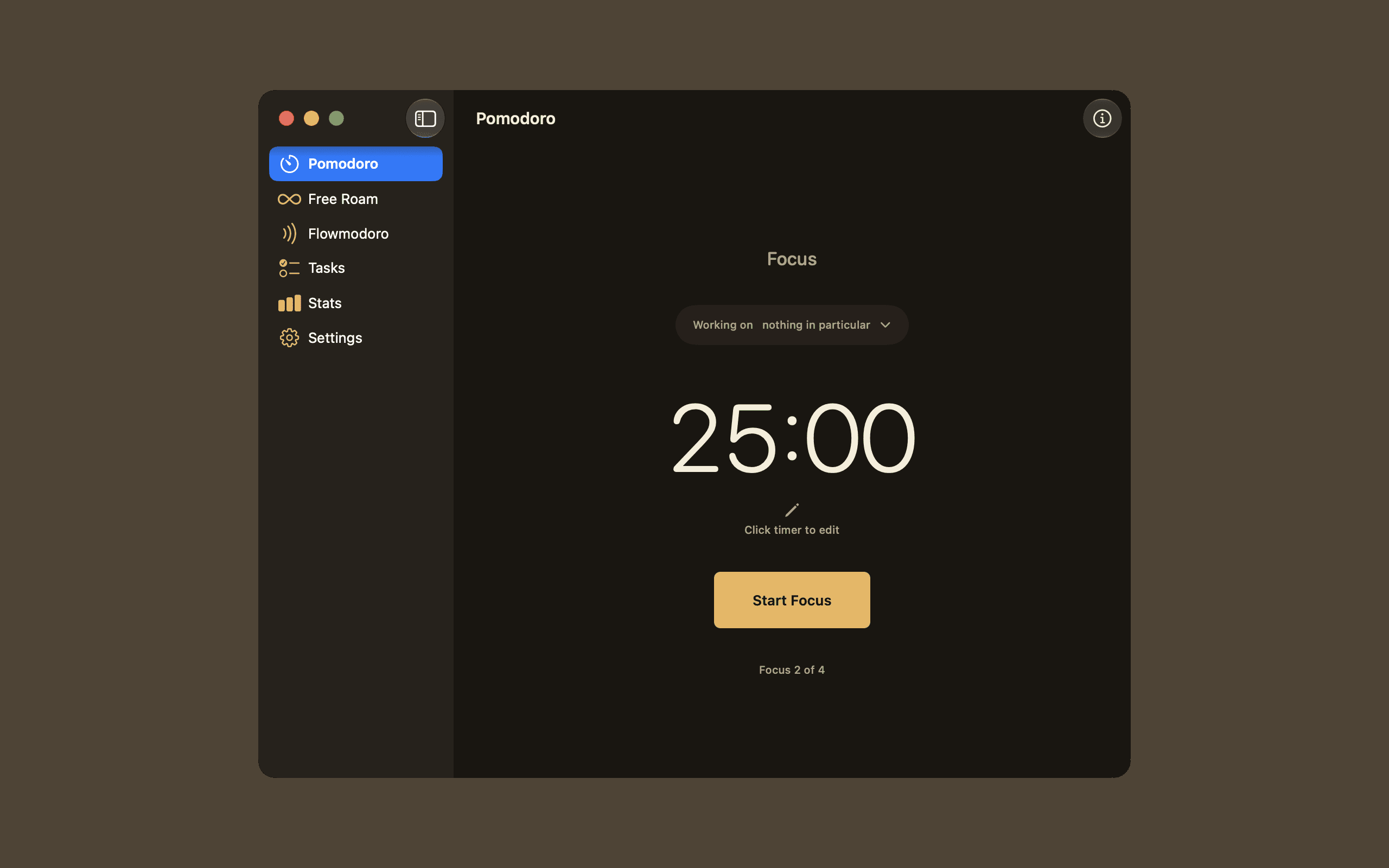
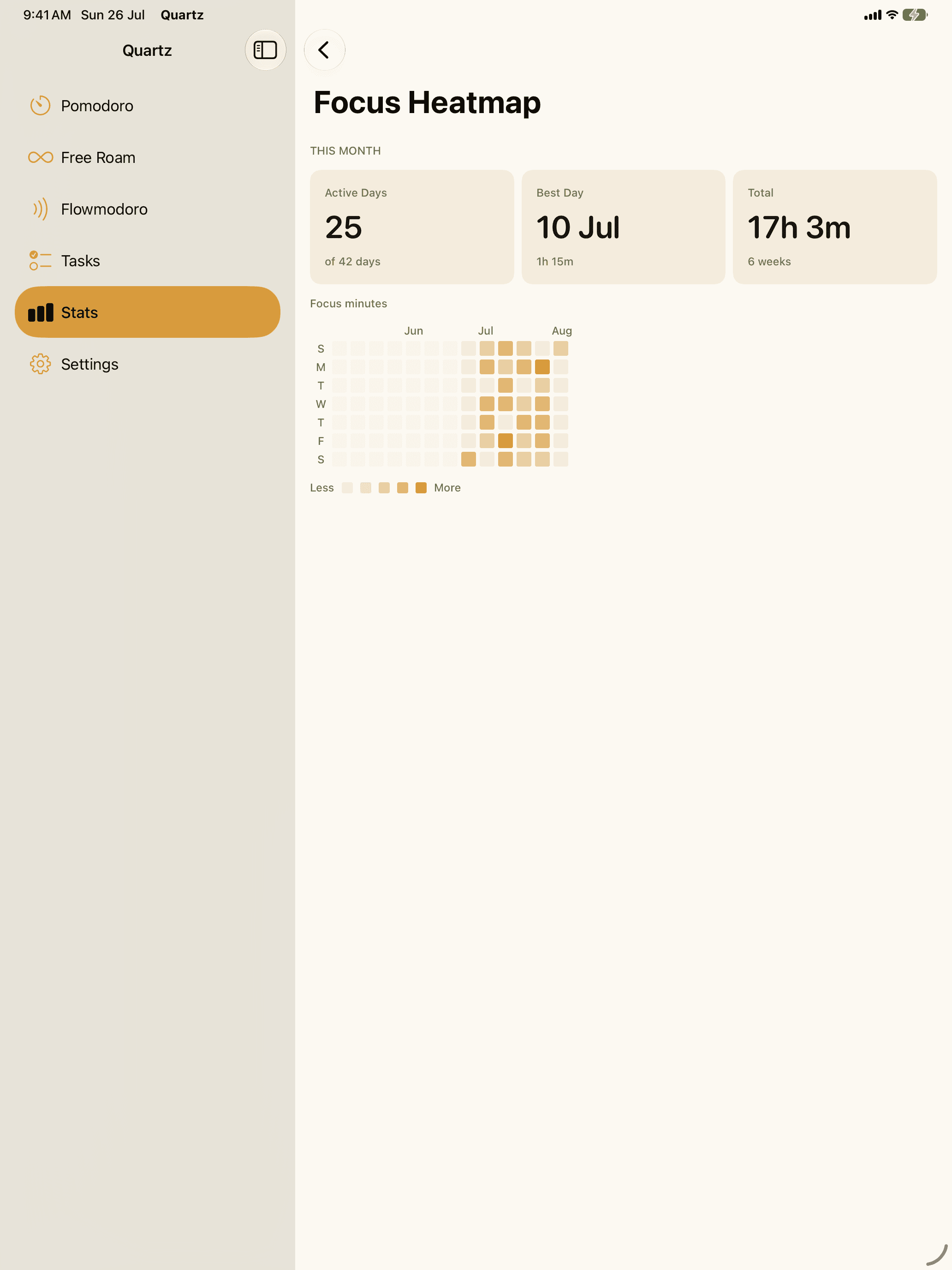
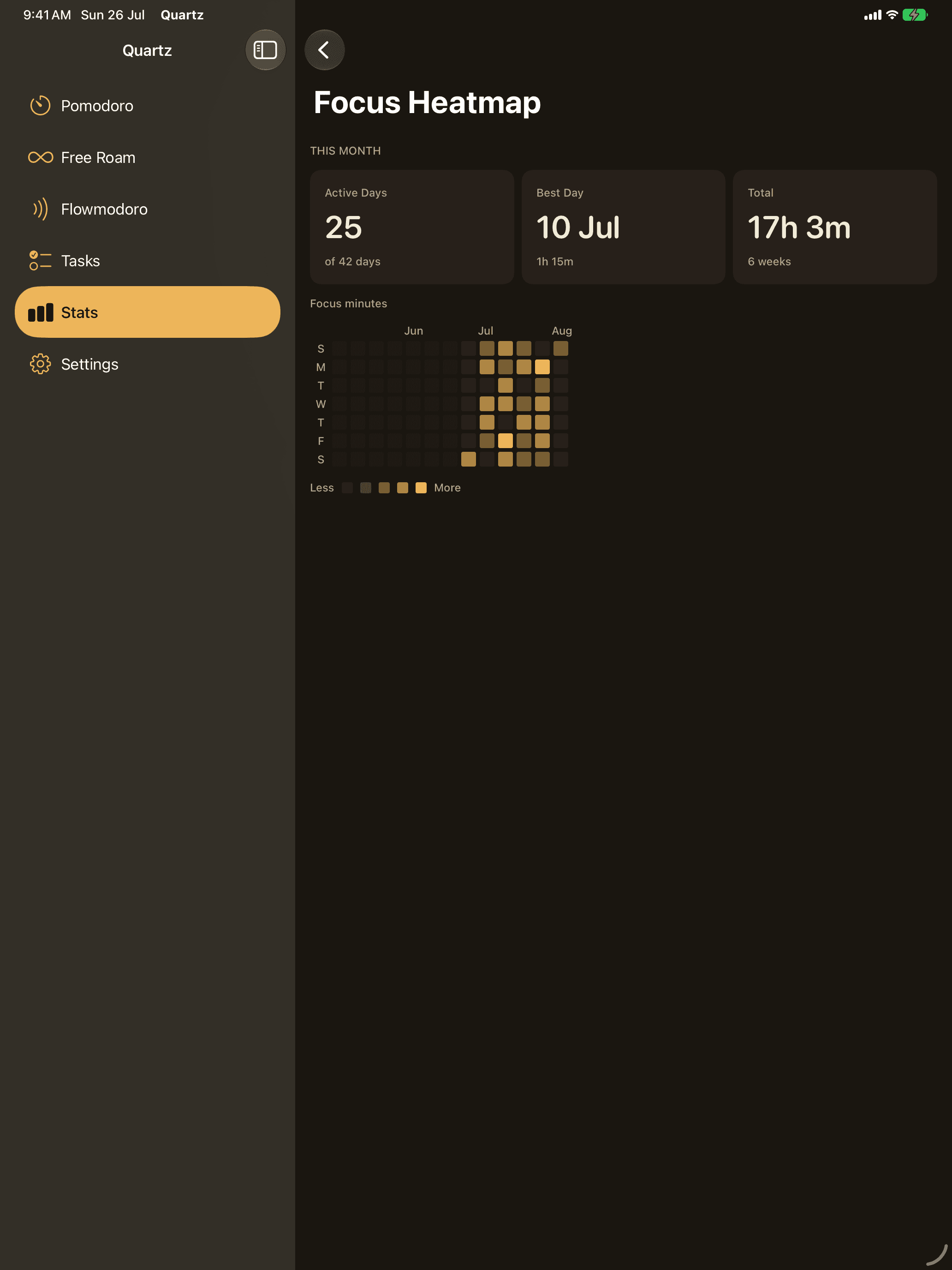
Focused sprints.
Work in timed sessions with short breaks between — and a long one when you've earned it. Adjust every duration, or let a preset drive.
Just start.
An open-ended timer that counts up while you work. End it when you're done; Quartz keeps the honest total.
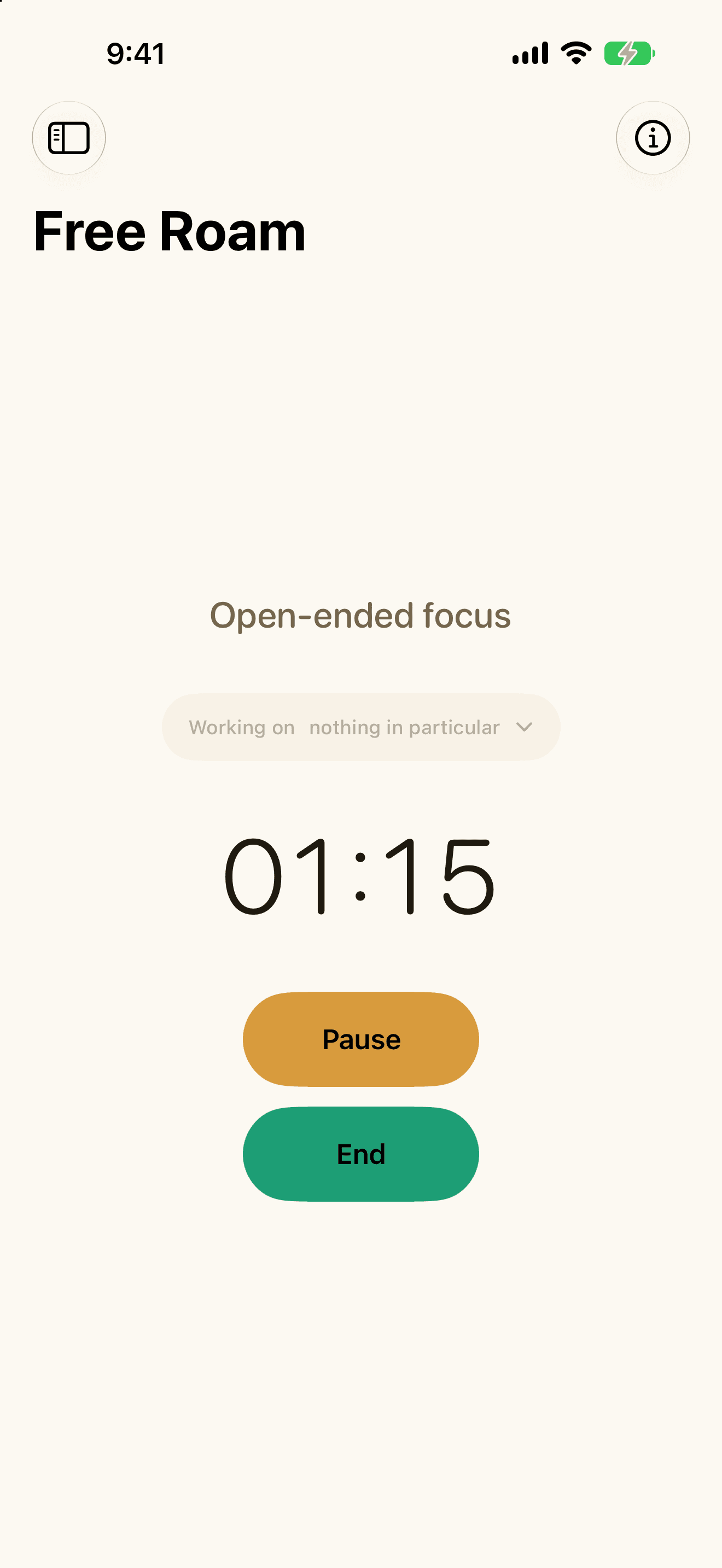
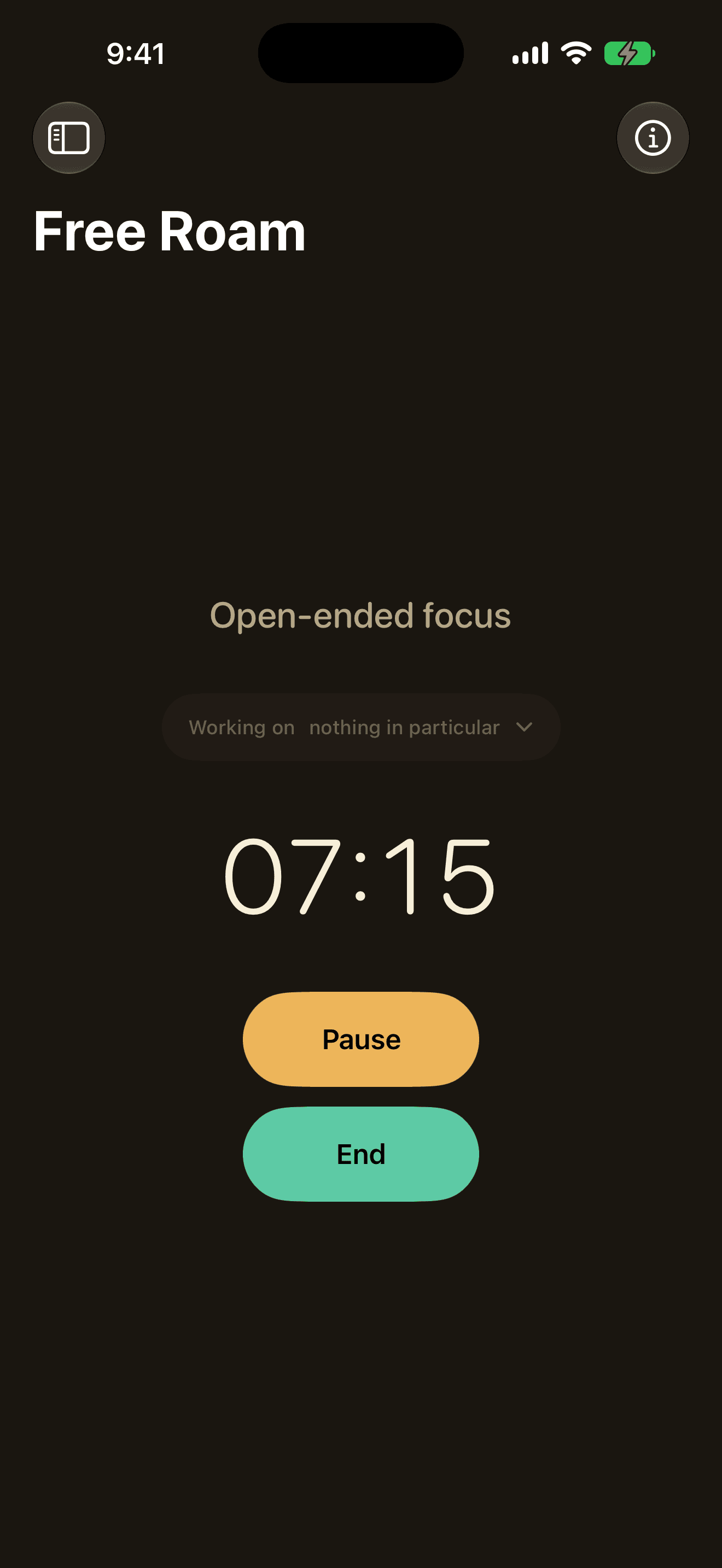
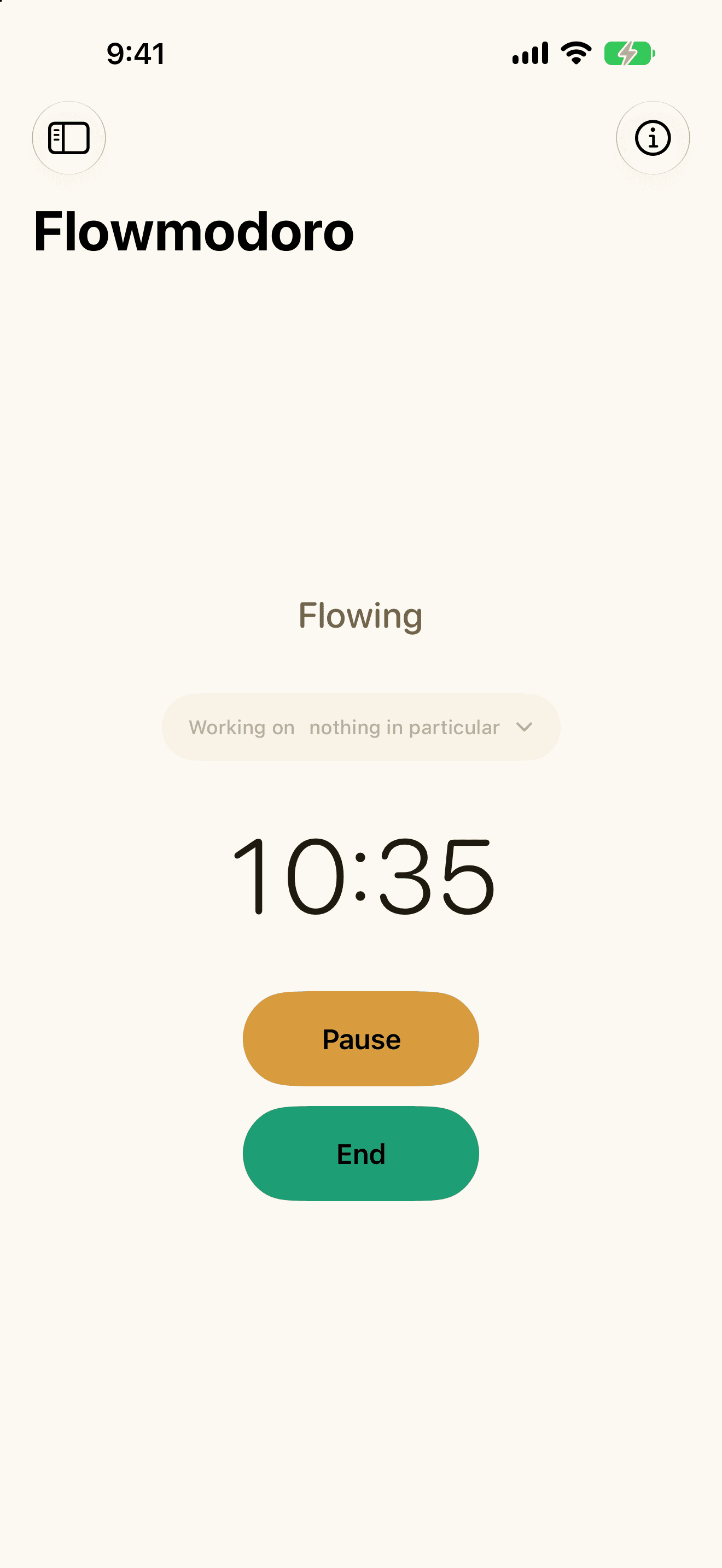
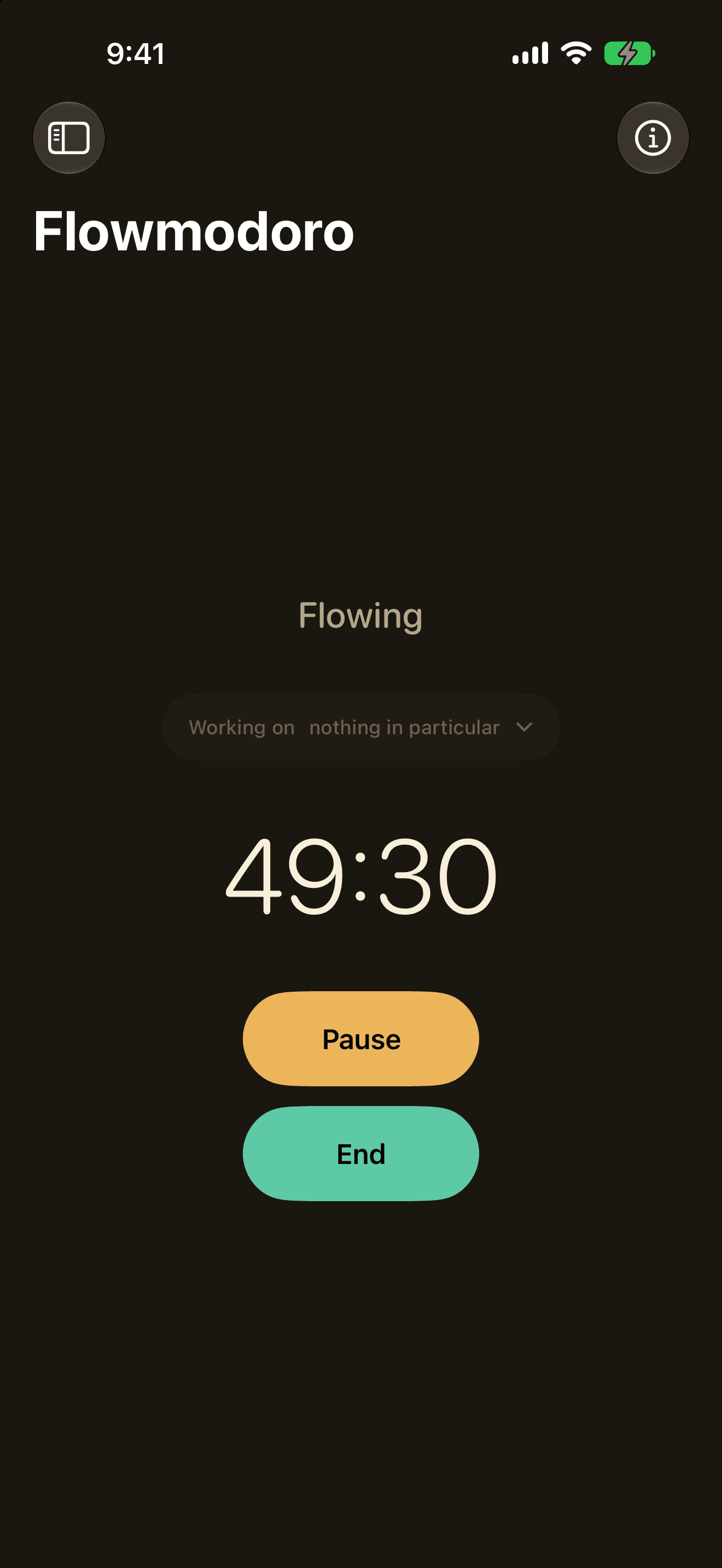
Flow first, break after.
Work as long as your focus lasts. When you stop, Quartz sizes your break to how long you flowed — one minute of break for every five of work.
One purchase covers iPhone, iPad, Mac and Apple Watch.
Start any mode from the wrist, and pause, resume, skip or finish what's running. Count-up modes show a live face, and you can switch modes with a two-tap confirm.
A mode-aware popover that starts all three modes, ends the one that is running, and offers your earned break inline. Turn on Open at Login and it is always there.
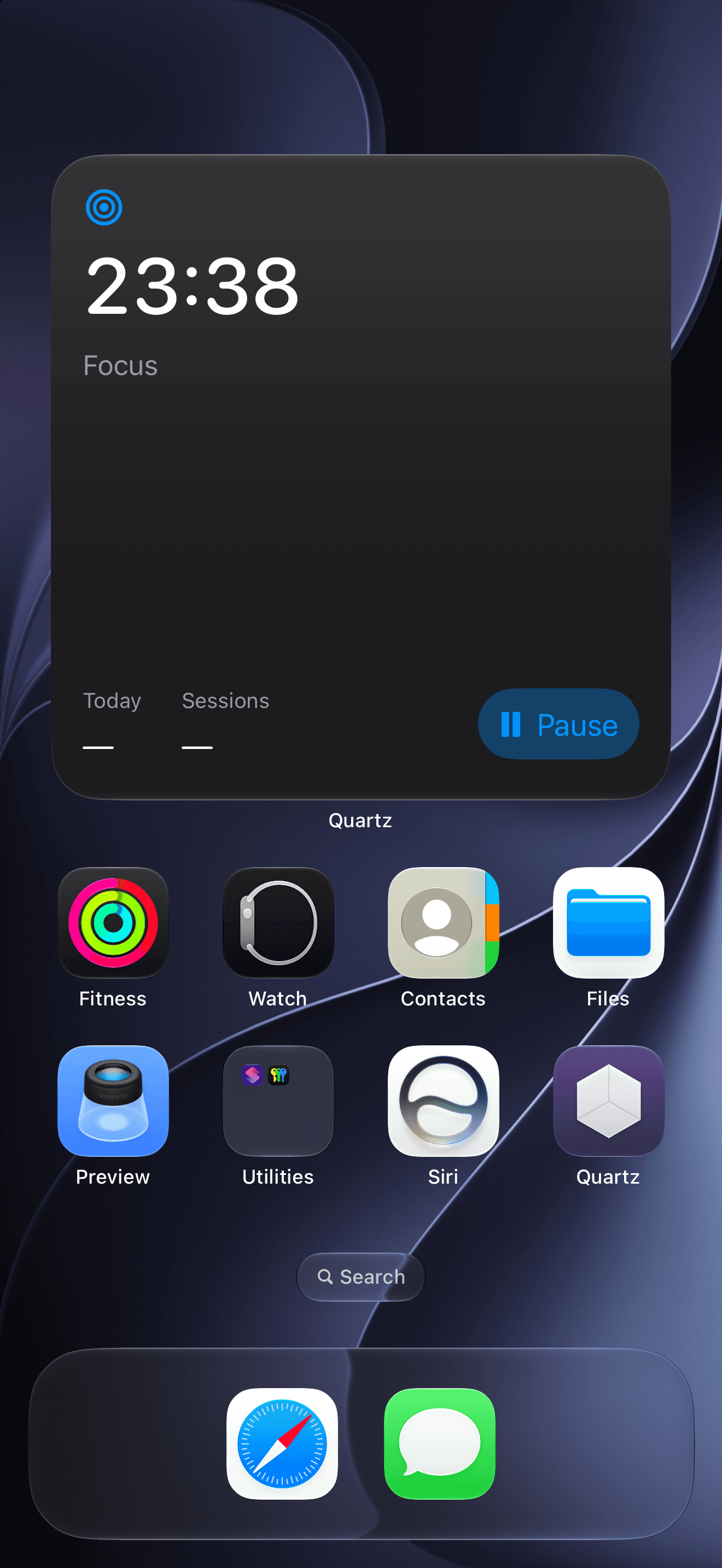
Keep a countdown session in view: Home Screen widgets in three sizes on iPhone, and a watch face complication or Smart Stack card on Apple Watch.
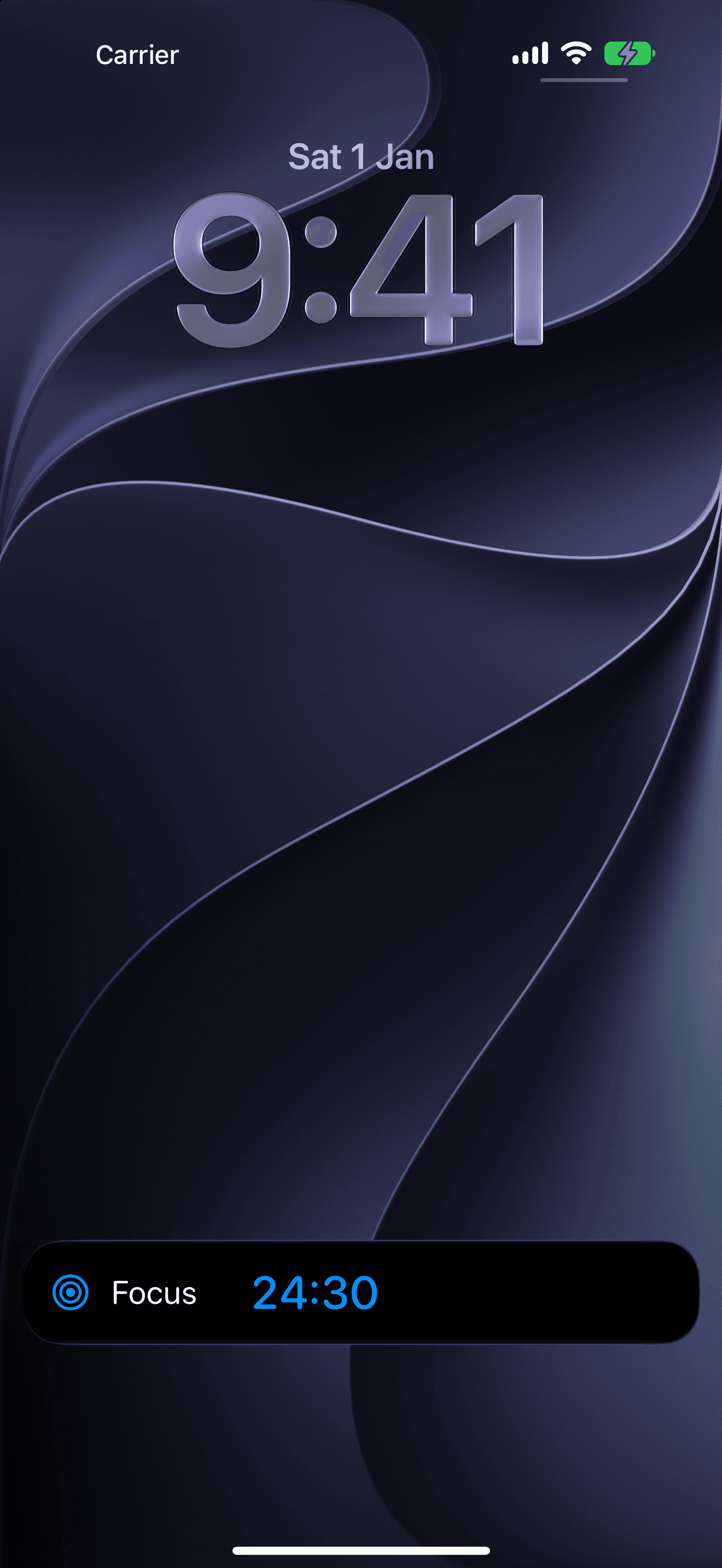
Countdown sessions run as a Live Activity, so the time left is on your Lock Screen without opening the app.
Add Quartz as a Focus Filter and turning that Focus on sets your session length, ready for you to start.
App Intents let you start a session by voice, or wire one into any shortcut or automation you like.
Your sessions sync through your own private iCloud database. Sync has a per-device switch on iPhone, iPad and Mac, and takes effect the next time you open Quartz.
No account. No ads. No tracking — ever. Your sessions live on your devices and in your own private iCloud. You can turn sync off per device in Settings.
There is no sign-up and no log-in. Quartz has no idea who you are, because it never asks.
No ad network, no sponsored anything. The app has no way to serve an ad.
No analytics, and not one third-party SDK. Quartz ships with zero external dependencies and makes no network calls of its own.
Sessions live on your devices and mirror to your personal private CloudKit database. There is no server the developer can read.
Turn sync off per device in Settings and that device keeps everything locally instead. Your existing data stays put.
Pomodoro and Free Roam are unlimited and free — the full timer, tasks, history and your core focus stats. No trial clock on them, ever.
Quartz Pro adds Flowmodoro, Insights, custom presets, sequences and four more themes, from $24.99 a year.
Final price set by the App Store in your region.